
 APK
APK
Fake Call - Prank v1.0
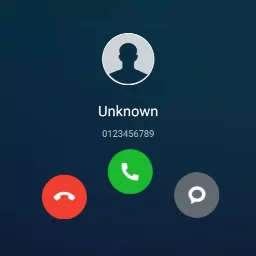
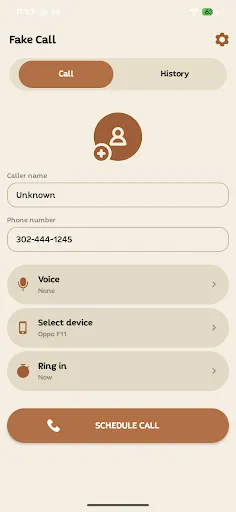
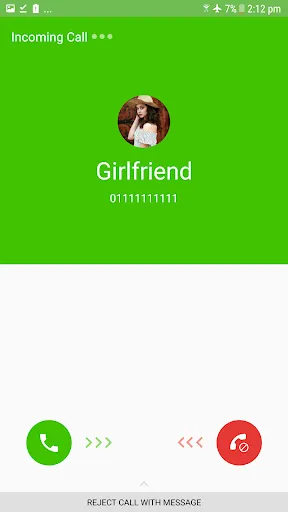
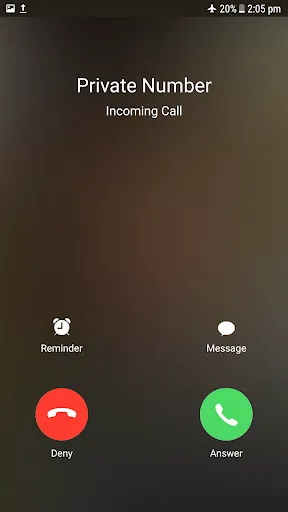
Fake Call lets you set up realistic simulated incoming calls with a custom caller name, number, photo, ringtone, and voice. Schedule the call to ring when you want, pick a call screen theme, and use it for pranks, fun with friends, or a polite excuse to leave a dull meeting. It works offline and never places a real call.
View on Google Play
Opens the Google Play listing
Official store link
Version
1.0
File Size
14 MB
Developer
Unit Apps and Games
Screenshots & Preview
Click any image to view in full screen
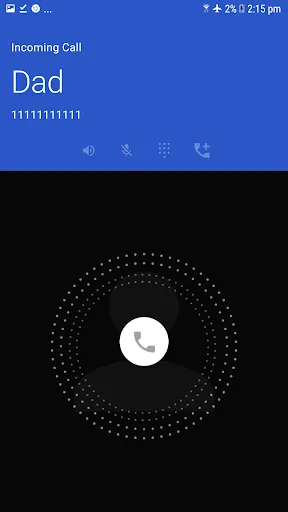
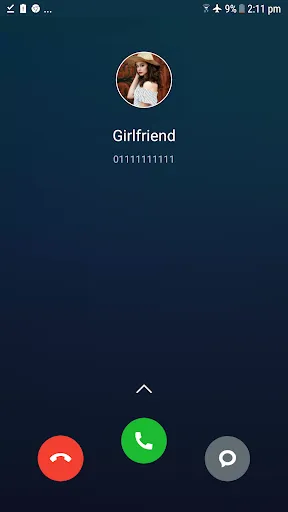
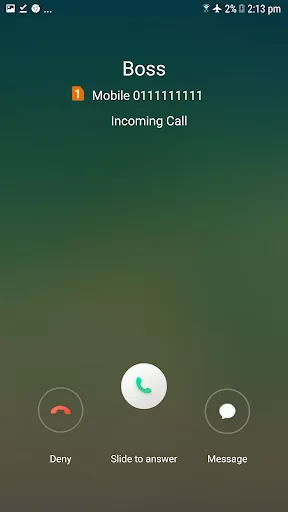
Frequently Asked Questions
Common inquiries regarding Fake Call - Prank installation & verification
What is Fake Call used for?
Fake Call creates simulated incoming calls on your phone screen, with a custom caller name, number, photo, ringtone, and voice. It is made for pranks, fun with friends, and polite excuses to leave a boring meeting or an awkward conversation.
Can Fake Call make real phone calls?
No. Fake Call only simulates an incoming call on your screen. It does not connect to a real caller or to the phone network.
Does Fake Call work without internet?
Yes. You can create and run simulated calls offline, without Wi-Fi or mobile data.
Can I customize the fake caller in Fake Call?
Yes. You can change the caller name, phone number, photo, ringtone, vibration, call screen theme, ring time, talk time, and recorded voice, and you can schedule the call to ring at a set time.
Who makes Fake Call?
Fake Call - Prank is published on Google Play by Unit Apps and Games, as version 1.0.
Can a fake call appear on the lock screen?
Yes. Fake Call can show the simulated call on the lock screen, and it keeps a fake call log so the prank looks more believable.
Similar & Recommended
Other popular downloads in this category




Fake Call - Prank
Entertainment · 14 MB