
 APK
APK
Melon VPN - lowcost proxy fast v9.1.079
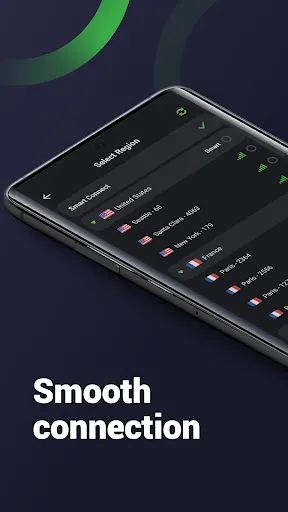
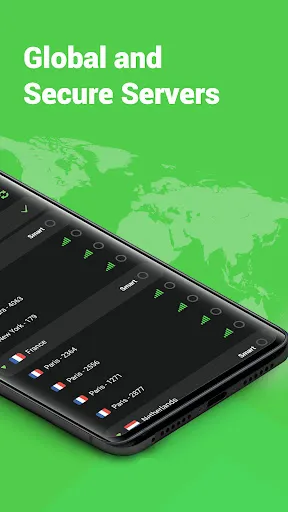
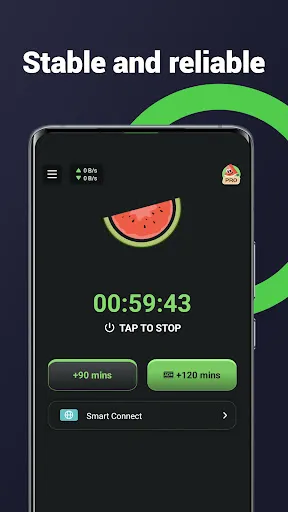
Melon VPN is a fast, easy-to-use VPN for Android that secures your internet connection with one tap. It works over Wi-Fi, 5G, LTE, 4G and 3G, lets you pick the server region you want, and lets you choose which apps run through the VPN. No registration or setup is required to connect.
View on Google Play
Opens the Google Play listing
Official store link
Version
9.1.079
File Size
18 MB
Developer
WILDLOOK TECH
Screenshots & Preview
Click any image to view in full screen

Frequently Asked Questions
Common inquiries regarding Melon VPN - lowcost proxy fast installation & verification
What is Melon VPN?
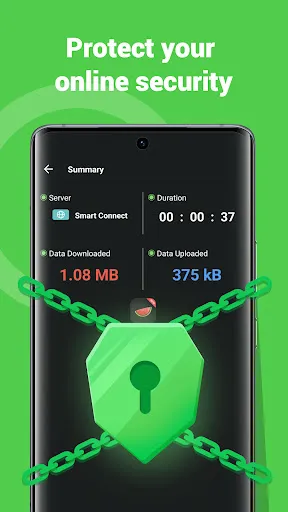
Melon VPN is a mobile VPN app for Android that encrypts your internet traffic and routes it through a server in a region you choose, so you can browse more privately and securely.
Who developed Melon VPN?
Melon VPN is currently published on Google Play by WILDLOOK TECH.
Is Melon VPN free?
Yes, the core version is free. You can pay or watch ads to use extra features, and no registration is required to connect.
How do I use Melon VPN?
Open the app and tap CONNECT. It picks a good server for you automatically, or you can choose a server region from the list yourself.
Can I choose which apps use the VPN?
Yes. Melon VPN lets you pick specific apps to run through the VPN while others use your normal connection.
What networks does Melon VPN work with?
It works with Wi-Fi, 5G, LTE, 4G, 3G and all mobile data carriers.
What Android version does it need?
It requires Android 5.0 or higher.
Similar & Recommended
Other popular downloads in this category






Melon VPN - lowcost proxy fast
Tools · 18 MB