
 APK
APK
Send Files to TV v1.4.22
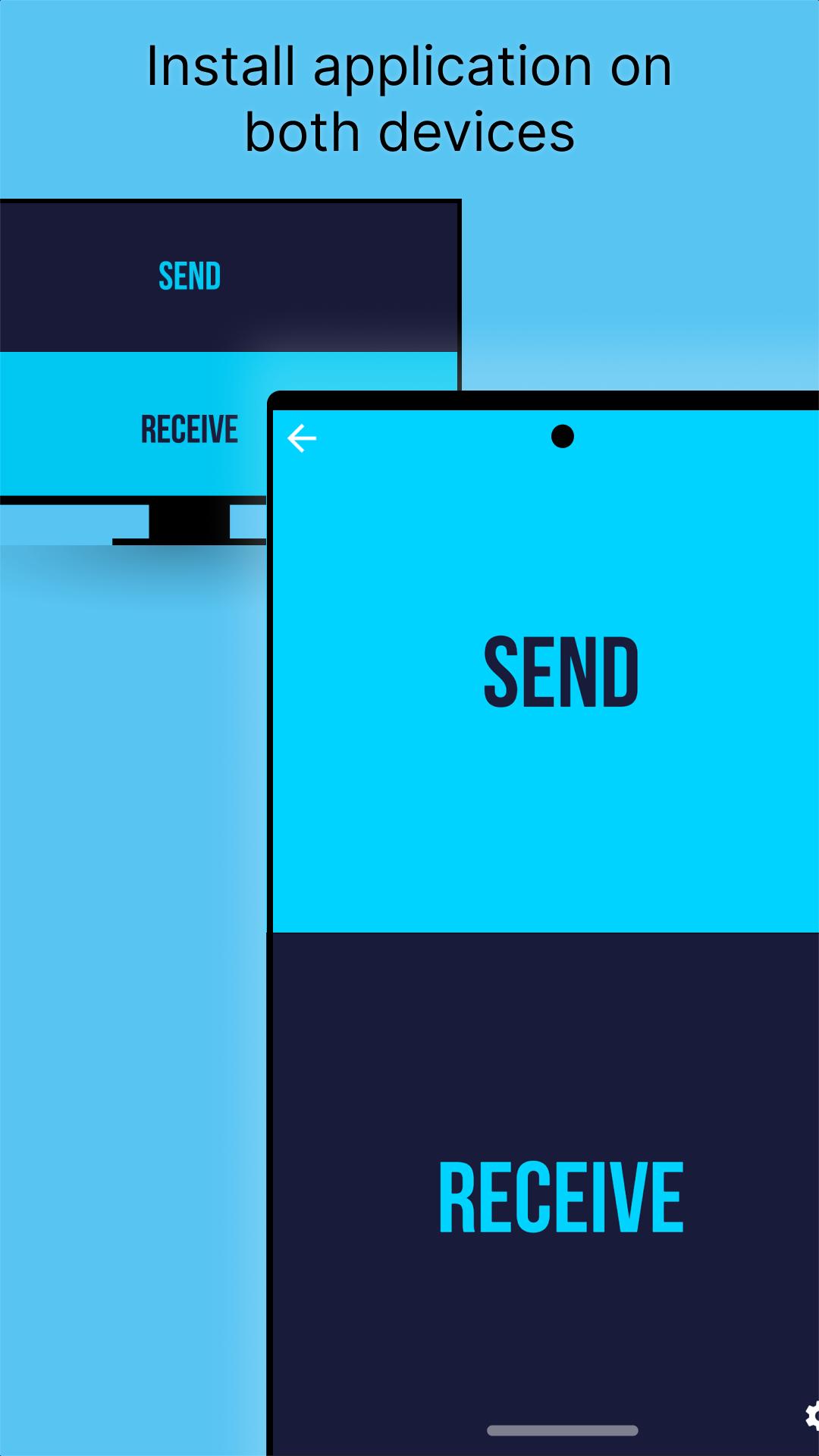
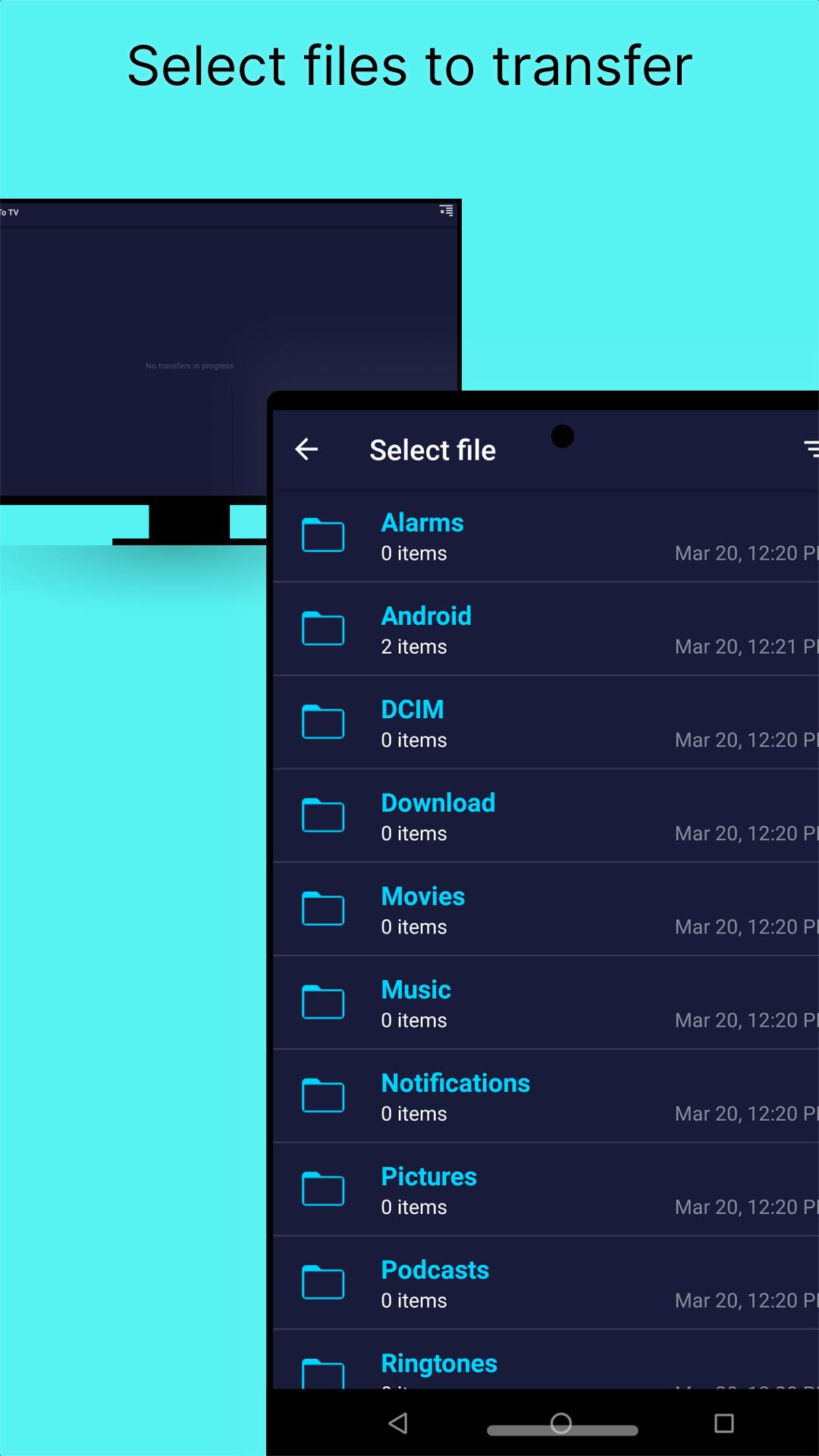
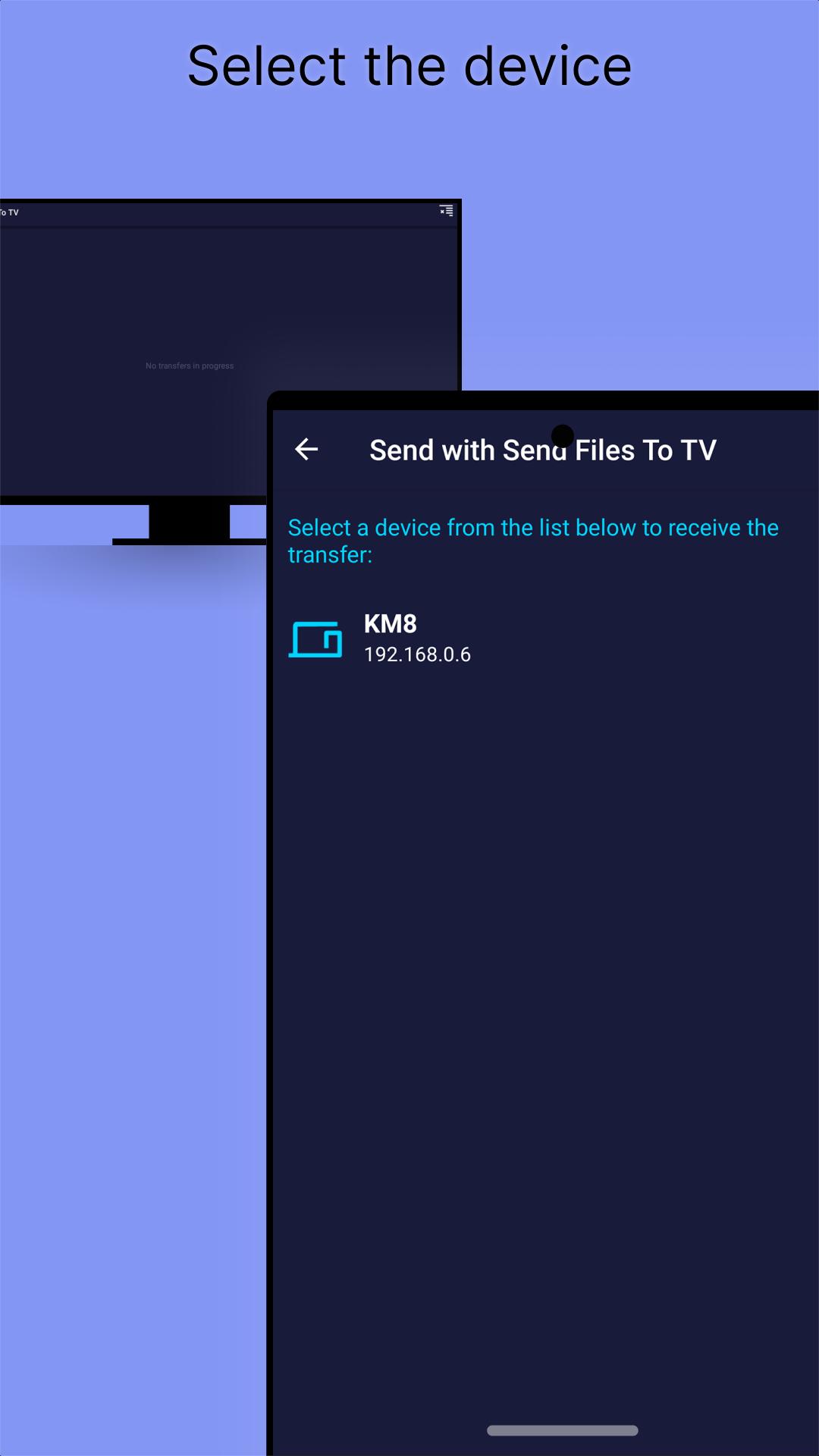
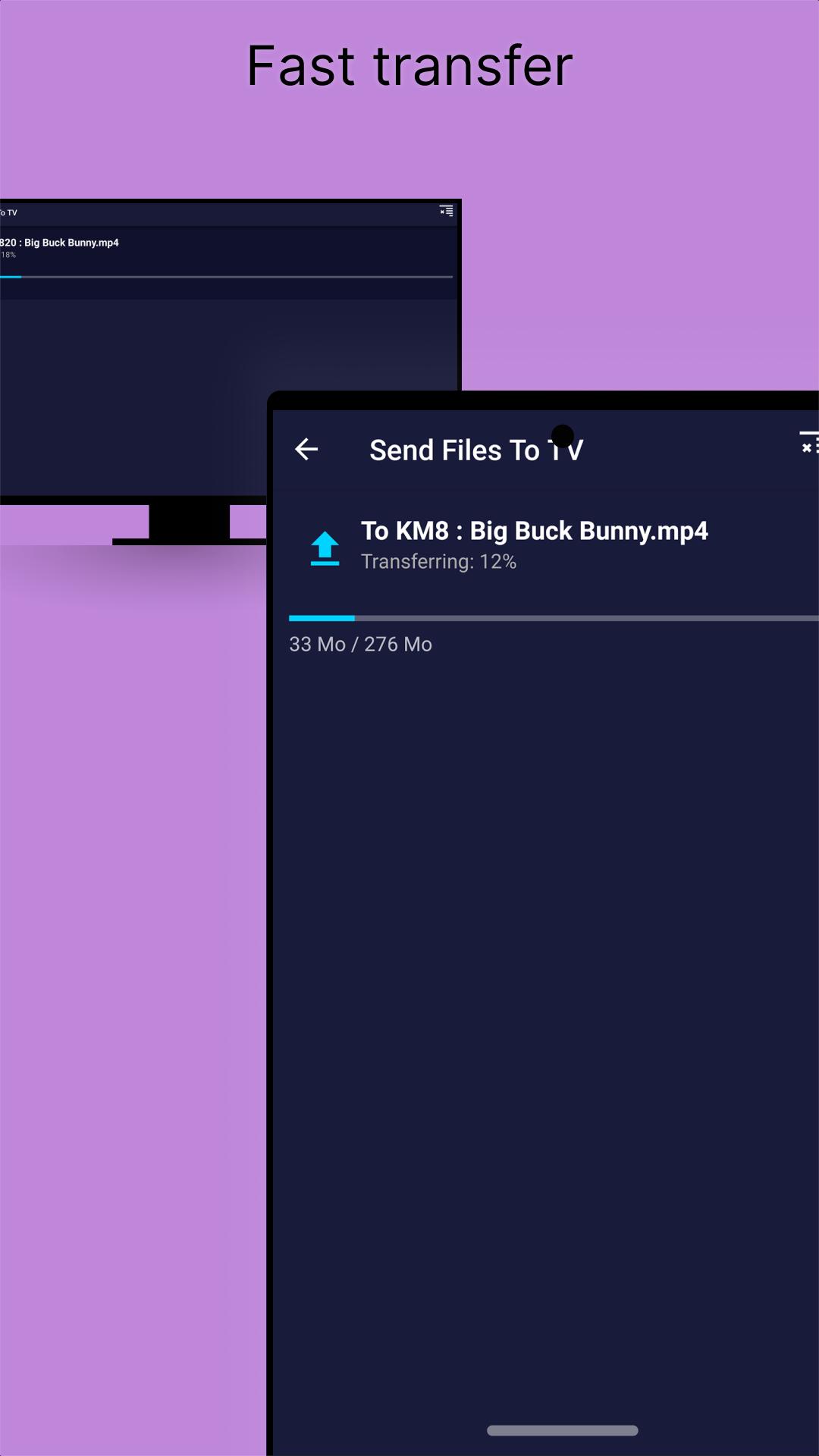
Send Files to TV by Yablio sends videos, photos, and documents from your phone to your smart TV or Android TV over your local Wi-Fi network, with no cables and no account needed. Install the app on both devices, pick a file, and transfer it straight to the big screen. Free, with ads, it needs Android 6.0 or later and works over your local network.
View on Google Play
Opens the Google Play listing
Official store link
Version
1.4.22
File Size
18 MB
Developer
Yablio
Screenshots & Preview
Click any image to view in full screen
Frequently Asked Questions
Common inquiries regarding Send Files to TV installation & verification
What is Send Files to TV?
Send Files to TV is a tool that wirelessly transfers media files like videos, images, and documents from your phone to a smart TV screen.
How does Send Files to TV work?
It uses your local Wi-Fi network to connect your phone and TV, so you can send files directly with a few taps, no cables or accounts needed.
Do both devices need the app?
Yes, Send Files to TV must be installed on both the sending device and the TV to transfer files.
Do I need an internet connection?
No, transfers run over your local network, so no internet connection is needed for the transfer itself.
Is Send Files to TV free?
Yes, Send Files to TV is free, with ads.
What is the latest version and size of Send Files to TV?
The latest version is 1.4.22 and the app is about 18 MB.
What Android version does Send Files to TV need?
Send Files to TV needs Android 6.0 or later.
Similar & Recommended
Other popular downloads in this category





Send Files to TV
Tools · 18 MB