
 APK
APK
Solid Explorer File Manager v3.6.2
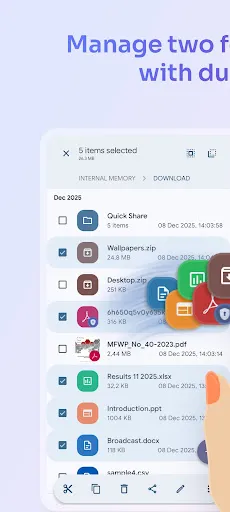
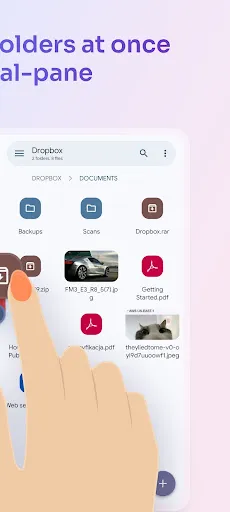
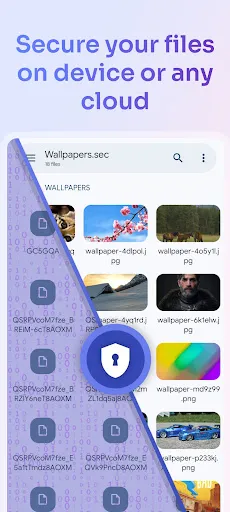
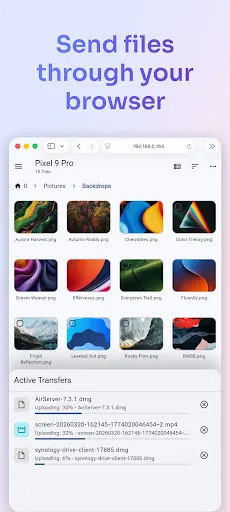
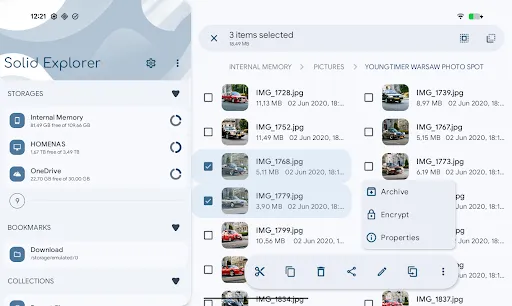
Solid Explorer File Manager is a powerful Android file manager by NeatBytes. It gives you full control over files on your device, in the cloud, and across your network, with a dual-pane layout, drag and drop, and AES-256 encryption for private files.
View on Google Play
Opens the Google Play listing
Official store link
Version
3.6.2
File Size
25 MB
Developer
NeatBytes
Screenshots & Preview
Click any image to view in full screen

Frequently Asked Questions
Common inquiries regarding Solid Explorer File Manager installation & verification
What is Solid Explorer File Manager?
Solid Explorer File Manager is an Android file management app by NeatBytes that helps you organize, move, and control files across local storage, cloud services, and network locations.
Is Solid Explorer File Manager free?
Solid Explorer File Manager is free to try on Google Play, with a paid unlock for the full version after the trial period.
Can Solid Explorer access cloud storage?
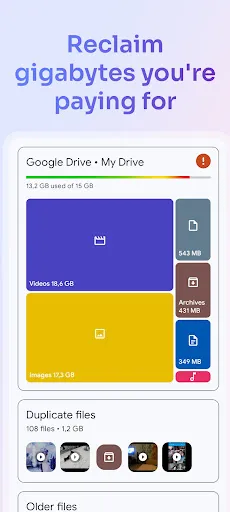
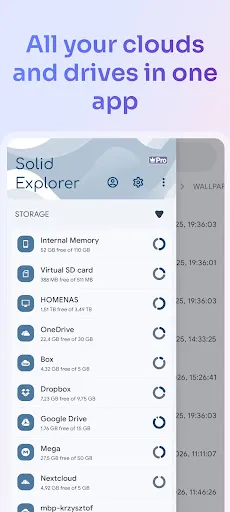
Yes, it supports Google Drive, Dropbox, OneDrive, and other cloud and network storage options within a single interface.
Does Solid Explorer support file compression?
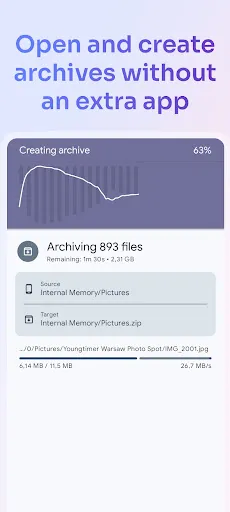
Yes, it can open and create archive files such as ZIP and RAR without needing extra apps.
Is Solid Explorer safe for private files?
Yes, it includes AES-256 encryption and secure folder options, so you can protect sensitive files on your device.
Who developed Solid Explorer File Manager?
Solid Explorer File Manager was developed by NeatBytes.
Similar & Recommended
Other popular downloads in this category






Solid Explorer File Manager
Productivity · 25 MB