
 APK
APK
Speechify – Text to Speech v6.4.0
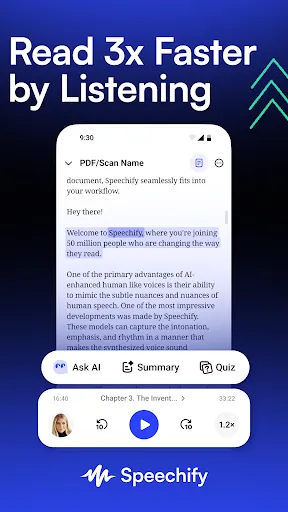
Speechify turns text into speech. Listen to PDFs, articles, emails, and scanned pages with natural AI voices, at your own speed.
View on Google Play
Opens the Google Play listing
Official store link
Version
6.4.0
File Size
106 MB
Developer
Speechify - Voice AI Assistant
Screenshots & Preview
Click any image to view in full screen
Frequently Asked Questions
Common inquiries regarding Speechify – Text to Speech installation & verification
What does Speechify do?
Speechify converts written content like PDFs, articles, emails, and scanned pages into spoken audio so you can listen instead of reading.
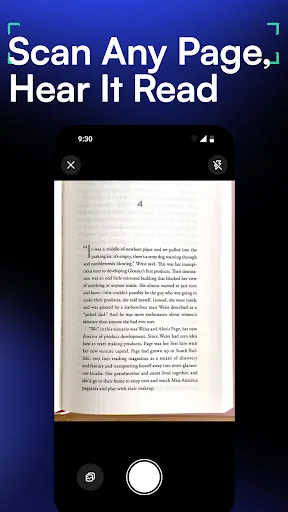
Can Speechify read scanned pages?
Yes, its camera scanning captures printed text and converts it into speech.
Who benefits most from Speechify?
Students, busy professionals, people with dyslexia or attention difficulties, and anyone who prefers audio learning over long reading sessions.
Can I change voices and playback speed in Speechify?
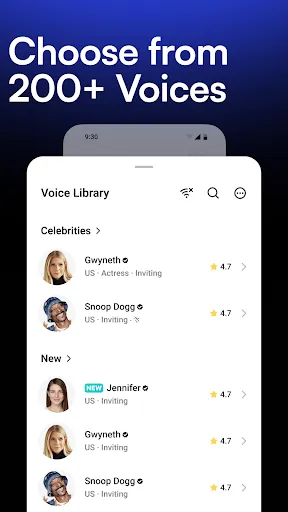
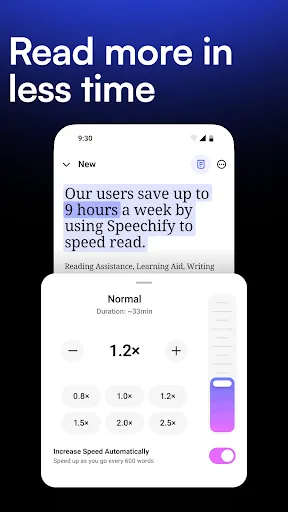
Yes, Speechify offers a range of voices and adjustable playback speeds.
Is Speechify free to install?
Yes, Speechify is free to install, with premium voices and features available as upgrades.
Similar & Recommended
Other popular downloads in this category





Speechify – Text to Speech
Productivity · 106 MB