
 APK
APK
Win-X Launcher v33.2
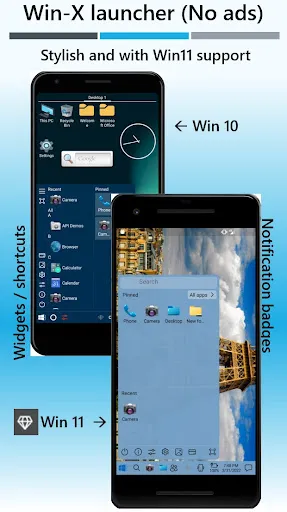
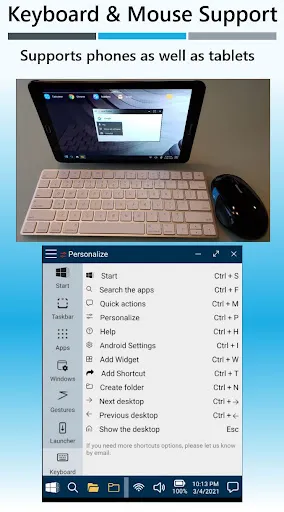
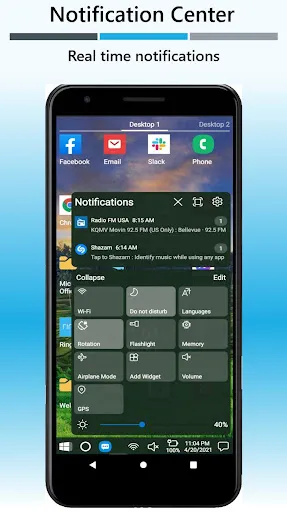
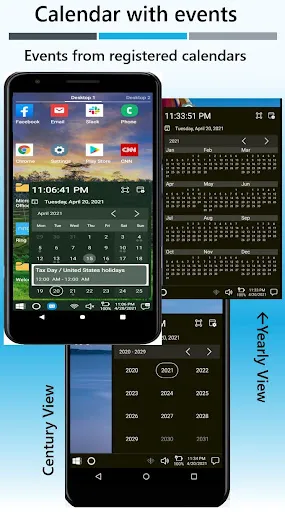
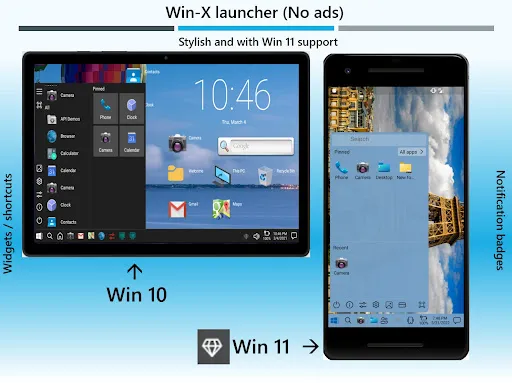
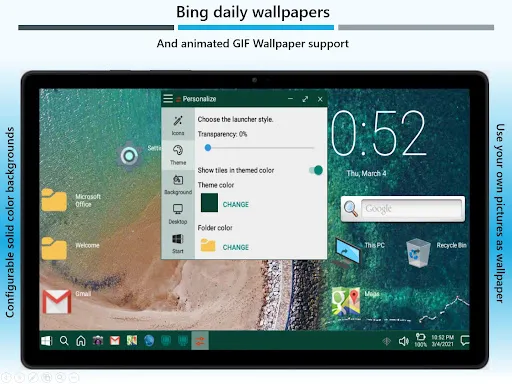
Win-X Launcher gives your Android phone or tablet a Windows-style desktop look, with a familiar taskbar, Start-style menu, and windowed multitasking to boost productivity.
View on Google Play
Opens the Google Play listing
Official store link
Version
33.2
File Size
46 MB
Developer
Internity Labs
Screenshots & Preview
Click any image to view in full screen
Frequently Asked Questions
Common inquiries regarding Win-X Launcher installation & verification
What is Win-X Launcher?
Win-X Launcher is an Android launcher by Internity Labs that brings a Windows 10 and Windows 11 style desktop look and feel to phones and tablets.
What does Win-X Launcher change on my phone?
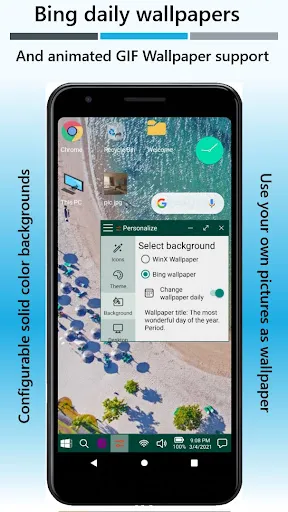
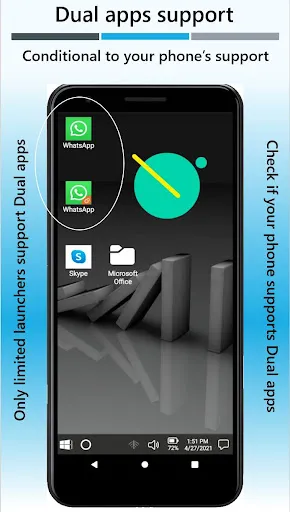
It replaces your home screen with a desktop-style layout, including a taskbar, a Start-style menu, and windowed apps, so your phone feels more like a Windows desktop.
Is Win-X Launcher free?
Win-X Launcher has a free version that covers everyday use, and an optional premium subscription (monthly, yearly, or lifetime) for full functionality.
Does Win-X Launcher have ads?
According to its Play listing, Win-X Launcher is made to be used without ads spoiling the experience.
Who develops Win-X Launcher?
Win-X Launcher is developed by Internity Labs.
Which Android version does Win-X Launcher need?
The apktodo listing gives Android 6.0 and up; check the Google Play listing for the current requirement for your device.
Similar & Recommended
Other popular downloads in this category






Win-X Launcher
Productivity · 46 MB