
 APK
APK
Winlator v11.0
Winlator is a free, open-source Android app from BrunoSX that runs Windows programs and PC games on your phone. It combines Wine with Box86 and Box64 to emulate x86 and x64 Windows inside virtual containers, with customizable controls and settings for each app or game.
Download options
No hosted APK file available
Official store link
Version
11.0
File Size
145 MB
Developer
BrunoSX
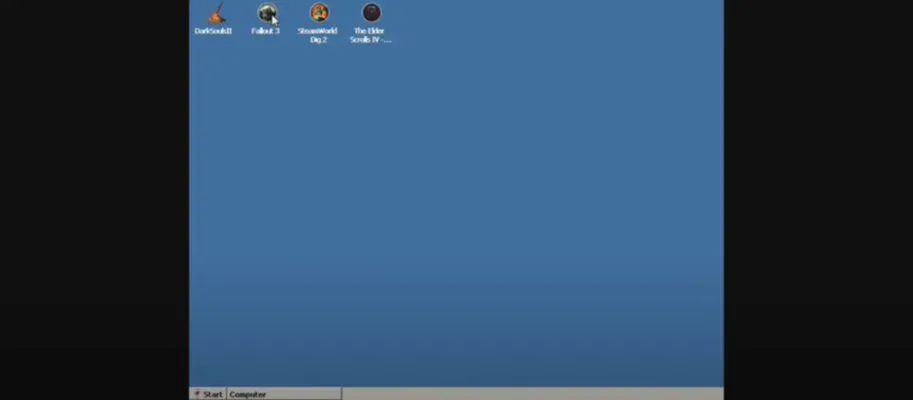
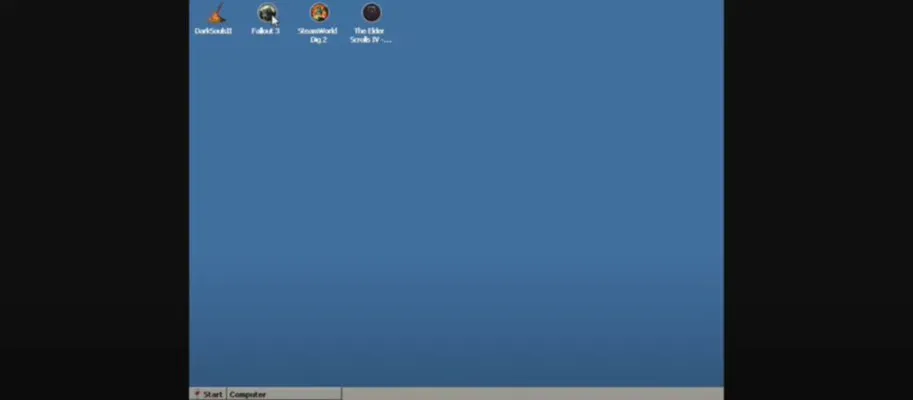
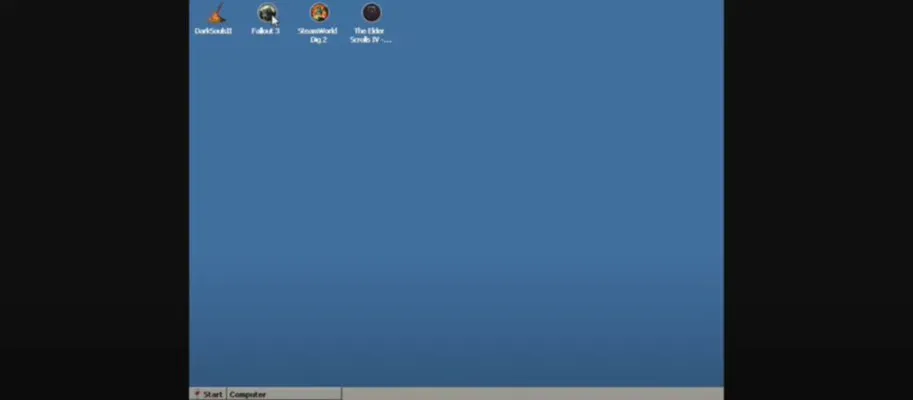
Screenshots & Preview
Click any image to view in full screen

Frequently Asked Questions
Common inquiries regarding Winlator installation & verification
What is Winlator?
Winlator is a free, open-source Android app that emulates a Windows environment, letting you run PC programs and games on your phone.
How does Winlator run Windows apps on Android?
Winlator combines Wine with Box86 and Box64 to simulate x86 and x64 Windows systems inside virtual containers on your device.
Is Winlator free?
Yes, Winlator is free and open source, developed by BrunoSX and published on GitHub.
Does Winlator need a PC?
No, Winlator runs Windows software directly on your Android phone or tablet, inside containers on the device itself.
Can Winlator run PC games?
Yes, Winlator is commonly used to run legacy Windows software and PC games, with per-container settings and customizable controls.
What Android version does Winlator need?
The apktodo listing gives Android 8.0 and up.
Where can I get Winlator?
Winlator is available from its official GitHub releases page by BrunoSX, and this page lists the official project link.
Similar & Recommended
Other popular downloads in this category




Winlator
Tools · 145 MB